

Blender
Ikbenstil Workstations for Blender, and Blender's recommended system requirements, with the latest hardware components.
Blender Workstations
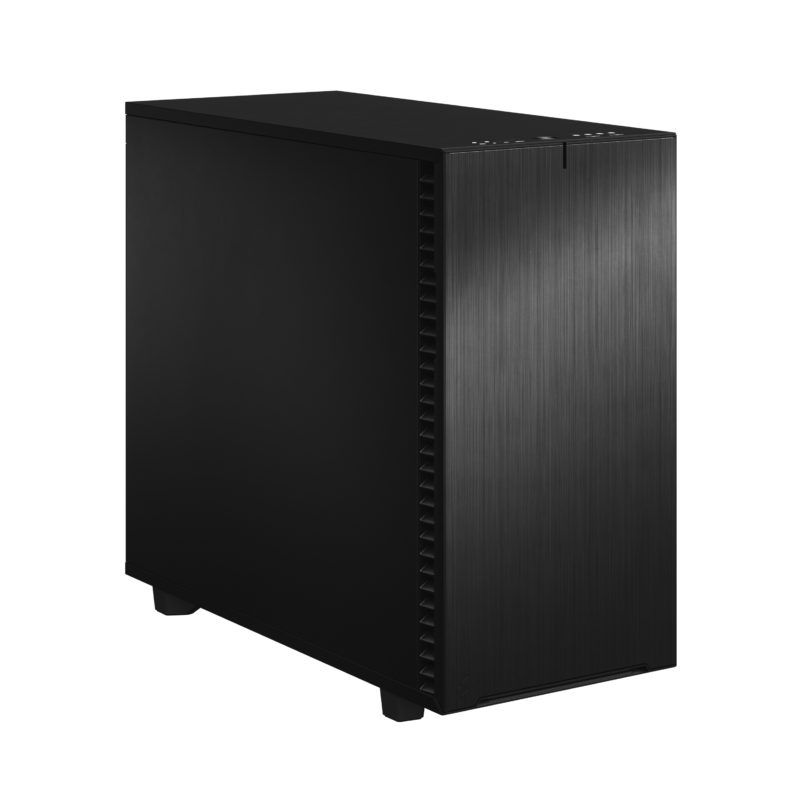
Versatile workstation for modelling, sculpting and Cycles
Blender Cycles GPU rendering is blazing fast on the RTX 5080. EEVEE real-time rendering and Geometry Nodes benefit from fast CPU.
Heavy-duty workstation for simulation and large scenes
Ikbenstil Workstation Blender Render, expandable up to 96 Cores and 4TB RAM and space for up to 4 GPUs. Highly flexible high-end system.
Recommended system requirements for Blender
Like most software developers, the Blender Foundation also provides a list of system requirements for Blender, a brief hardware list that you are advised to meet in order to use Blender. These Blender Foundation recommendations do not guarantee an optimally functioning Blender workstation, but set out the absolute minimum requirements. The official information provided by software manufacturers is not always up to date and often lags behind the rapid pace of hardware development. That is why Ikbenstil Computers equips these Blender Workstations with the most up-to-date, balanced hardware that is best suited to the programme’s operation.
The hardware:
Processor (CPU):
The processor is the most important component in a Blender workstation and handles all tasks for you, including rendering. Rendering via the GPU is significantly faster. Which processor is the best choice? That depends on how you work with Blender. Modelling and animation mainly run on a single thread at the highest clock speed, in which case the Intel Core Ultra 9 285K is the best choice. If you have heavy CPU rendering tasks or create fluid simulations, a processor with many cores such as the 24-core AMD Ryzen Threadripper 7960X is a good option; this also offers the possibility of up to 512GB of RAM. Optionally, more powerful CPUs with 32, 64 or 96 cores are available.
The Graphics Card (GPU) The fastest graphics card is also the best graphics card for Blender; Blender also supports multiple GPUs, making rendering even faster. We recommend the Nvidia GeForce RTX 5090 32GB.
Memory (RAM) The Blender Foundation recommends a minimum of 16GB of RAM, which is very minimal; we recommend a minimum of 64GB for the Blender Standard Workstation, and 128GB for demanding users.
Storage: In the Blender Workstations, we opt for a fast primary NVMe SSD for the operating system and programmes. And for ongoing projects, a secondary NVMe SSD. Of course, storage for the content is also required; this can be on a standard SATA SSD or, optionally, high-capacity HDDs, a file server or NAS.
Customisation Ikbenstil Computers has created workstations that align with standard workflows and the associated software. If your choice is not listed here, please contact one of our specialists, who can offer you a bespoke solution.