

Cinema 4D
Ikbenstil Workstations for Cinema 4D, and Maxon's recommended system requirements for Cinema 4D, with the latest hardware components.
Cinema 4D Workstations
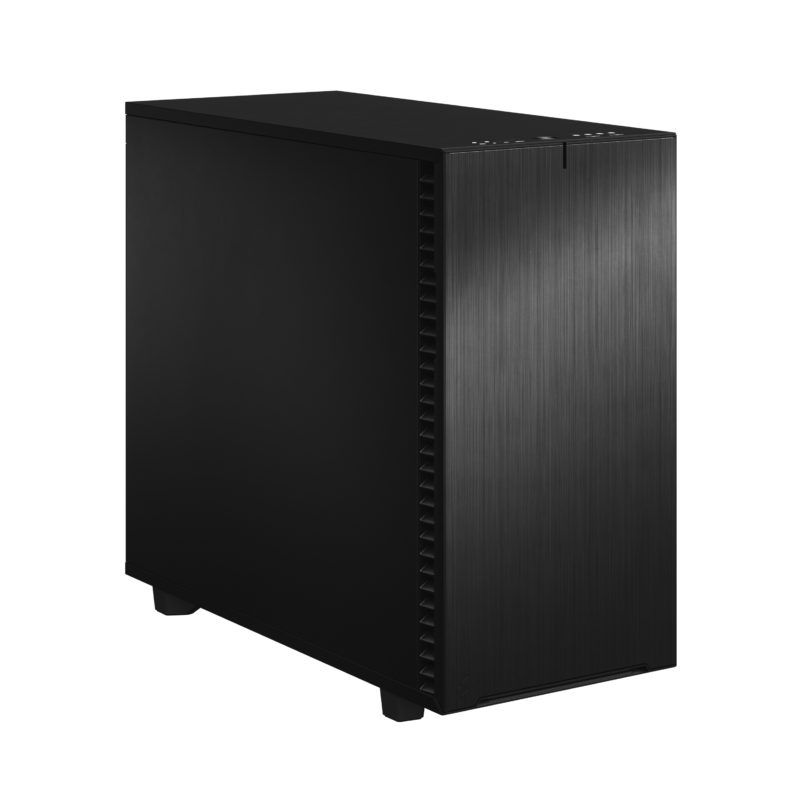
Balanced workstation for motion design and MoGraph
Modelling and animation are single Core processes in Maxon's Cinema 4D. Intel CPUs traditionally have an edge over AMD here.
High-end workstation Cinema 4D
Higher Core count but especially more bandwidth than the small Workstation. Especially the 2x RTX 5080 cards offer high performance for rendering.
What hardware is ideal for Maxon’s Cinema 4D?
On Maxon’s website, you will find only a brief description of the minimum hardware requirements. Unfortunately, these requirements are so low that working with this hardware in real life is not realistic. That is why Ikbenstil Computers equips these Cinema 4D Workstations with the most up-to-date, balanced hardware that is best suited to running the programme.
The hardware:
Processor (CPU): In Cinema 4D, the processor handles all key tasks, including creation and animation, which are primarily single-threaded. However, rendering also takes place via the CPU, and this is multi-threaded and scalable in terms of speed: the more CPU cores, the faster the rendering. The graphics card plays no role in this unless you use GPU rendering software such as Redshift. Which processor is the best choice? For the standard Cinema 4D workstation, the Intel Core Ultra 9 285K is an excellent choice. If you have heavy CPU rendering tasks, a processor with many cores such as the 24-core AMD Ryzen Threadripper 7960X is a good option; this also offers the possibility of up to 512GB of RAM. Heavier CPUs with 32, 64 or 96 cores are available as an option.
The Graphics Card (GPU) When working, editing and animating in Cinema 4D, the graphics card is important for achieving an ideal frame rate of 60 FPS in the viewport, ensuring that the model moves smoothly. In 2019, Maxon acquired Redshift GPU Rendering Technologies to offer an alternative to the existing CPU rendering option. There are also other rendering software options, such as Octane Render. Basically, a good mid-range Nvidia GPU such as the RTX 5070 Ti is an excellent choice. This changes when Cinema 4D is used in combination with GPU rendering software such as Redshift, Furryball and Octane Render. We offer optimised Ikbenstil Rendering Workstations for this purpose. These engines often utilise the GPU or multiple GPUs and, due to the enormous number of GPU cores, render much faster than a CPU.
Memory (RAM) Ikbenstil Computers recommends a minimum of 16GB of RAM for the standard Cinema 4D workstation, and 64GB for more demanding applications. And when using GPU rendering workstations, 128GB or more; we offer optimised Ikbenstil Rendering Workstations for this purpose.
Storage For the Cinema 4D workstations, we opt for a fast primary NVMe SSD for the operating system and programmes. And for ongoing projects, a secondary NVMe SSD. Naturally, storage for the content is also required; this can be on a standard SATA SSD or, optionally, high-capacity HDDs, a file server or NAS.
Customisation Ikbenstil Computers has created workstations that align with standard workflows and the associated software. If your requirements are not listed here, please contact one of our specialists, who can offer you a bespoke solution.