

Maya
Ikbenstil Workstations for Autodesk Maya, and Autodesk's recommended system requirements for Maya, with the latest hardware components.
Maya Workstations
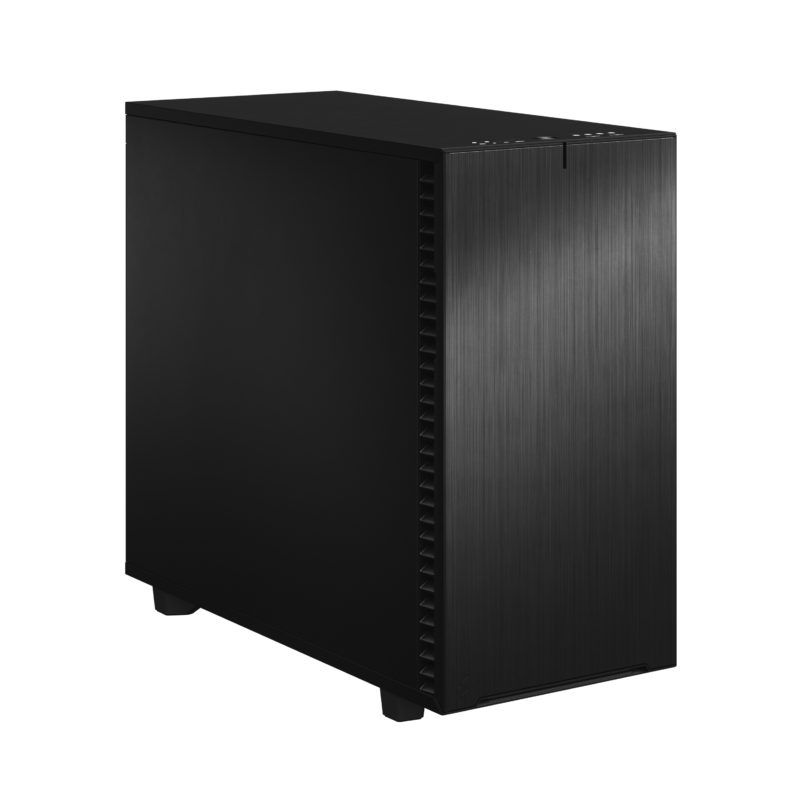
Maya Workstation for creation and animation
Maya Workstation for modelling and animation. Very high single Core performance combined with a powerful GPU.
Recommended system requirements for Autodesk Maya
Like most software manufacturers, Autodesk also provides a list of system requirements for Maya, a brief hardware list that you are advised to meet in order to use Maya. These Autodesk recommendations do not guarantee an optimally functioning Maya workstation, but provide the absolute minimum requirements. The official information provided by software manufacturers is not always up to date and often lags behind the rapid pace of hardware development. That is why Ikbenstil Computers equips this Maya Workstation with the most up-to-date, balanced hardware that is best suited to the programme’s operation.
The hardware:
Processor (CPU): Modelling and animation in Maya are primarily single-threaded processes; Maya focuses on a single CPU core. The Ikbenstil Maya Workstation is therefore based on an Intel Core Ultra 9 285K processor, which is the CPU with the highest single-core clock frequency. This changes when Maya is used in combination with rendering software such as Arnold, which is built in as standard in the latest version, or other engines such as Keyshot, Redshift, Octane and V-Ray. We offer optimised Ikbenstil Rendering Workstations for this purpose. These engines often utilise the GPU or multiple GPUs and, due to the enormous number of GPU cores, render much faster than a CPU.
The Graphics Card (GPU) When working, editing and animating in Autodesk Maya, the graphics card is important for achieving an ideal frame rate of 60 FPS in the viewport; this ensures that the model moves smoothly. Autodesk Maya primarily recommends professional GPUs from Nvidia and AMD on its website, and officially only these are supported. At Ikbenstil Computers, we believe that standard RTX cards can also be used. There are cases where you should opt for the Pro cards, such as in systems with more than two GPUs or a large amount of VRAM. NVIDIA Pro series graphics cards are optimised for intensive use and heavy workloads. If a system requires multiple GPUs, we offer Ikbenstil Rendering Workstations optimised for this purpose.
Memory (RAM) Autodesk recommends a minimum of 8GB of RAM, which is very little for a standard Windows workstation; we recommend a minimum of 32GB for the Maya Standard Workstation, and 64GB or more if you are working with complex files and high-resolution renders.
Storage: In the Maya Workstations, we opt for a fast primary NVMe SSD for the operating system and programmes. And for ongoing projects, a secondary NVMe SSD. Naturally, storage for the content is also required; this can be on a standard SATA SSD or, optionally, high-capacity HDDs, a file server or NAS.
Customisation Ikbenstil Computers has built workstations that align with standard workflows and the associated software. If your choice is not listed here, please get in touch with one of our specialists, who can offer you a bespoke solution.