

Ableton Live
Ikbenstil Workstations for Ableton Live, and Ableton Live's recommended system requirements, with the latest hardware components.
Ableton Live Workstations
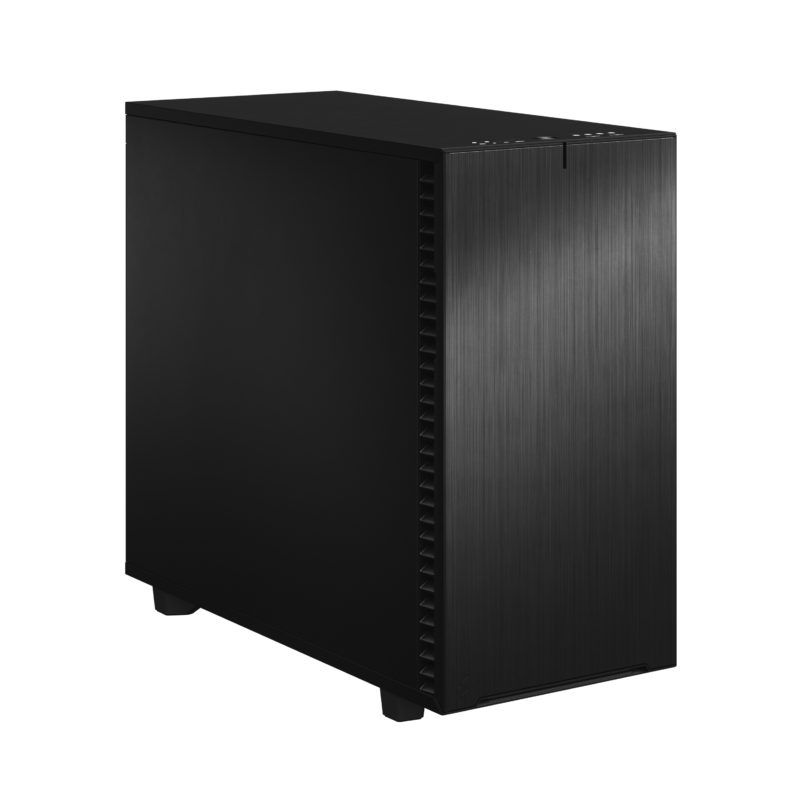
Workstation base for small projects and budgets
Basic DA workstation for smaller projects.
Pro Workstation for Ableton Live
Heavy-duty workstation for Ableton Live. This CPU features 32 Cores combined with 128GB of DDR5 RAM which is sufficient for many multitrack projects. For Film projects (many tracks) or Orchestra projects, this system can be equipped with a 64Core CPU and 256GB RAM or more.
Digital Audio Workstation for Ableton Live
The performance of a Digital Audio Workstation (DAW) is determined by the balance of the hardware; in particular, the processor, RAM and storage are essential. Below you can read how Ikbenstil Computers has created an optimised configuration for Ableton Live.
Recommended system requirements for Ableton Live The performance of a Digital Audio Workstation (DAW) is determined by the balance of the hardware; the processor (CPU), RAM and storage are particularly crucial. The graphics card (GPU) is less important, but not dispensable; it must be quiet and capable of driving at least 2 to 4 monitors.
Ikbenstil Computers has laid the foundations for the optimised Ableton Live workstation based on feedback from its customers and research.
The hardware: Processor (CPU) For demanding projects, Ableton Live benefits from a processor with many cores; 24 to 32 cores are a must, and the AMD Threadripper Pro 7975WX 32-core is the best choice for this. If your projects are less demanding, the Intel Core Ultra 7 265K or Ultra 9 285K can also be an excellent choice.
Memory (RAM) RAM is very important for the performance of Ableton Live and is determined by the complexity of your creations. The number of tracks, VSTs and plugins determines the load on the working memory. For light projects, we recommend 64GB, and for heavy compositions, 128 to 256GB. This depends on software usage and the combination of other programmes.
The Graphics Card (GPU) Digital Audio Workstations do not require 3D processing power, but a graphics card capable of driving three or four monitors at a high 4K resolution is a must. It is, of course, important that an Ikbenstil Computer has an onboard GPU that operates quietly under heavy load. At Ikbenstil Computers, we pay close attention to this selection. Our recommendation is to use an Nvidia RTX A400 or Nvidia RTX A1000 GPU.
Storage Fast access to data is essential; current M.2 NVMe SSDs are a must. Our advice is to set up an Ableton Live DAW with multiple NVMe SSDs: a primary 1TB SSD for the operating system and programmes, and one or more secondary 1 or 2TB SSDs for projects, music, and various sample and plug-in libraries. For storing large volumes of data, one or more HDDs in the DAW or a NAS (network-attached storage device) can be used.
Audio interface The best audio connection for Ableton Live is via a device that supports the ASIO interface; this interface creates a direct connection to your DAW and reduces latency to a minimum. You can find more information on setting up this connection in Ableton’s Knowledge Base: https://help.ableton.com/hc/en-us/articles/211476789-Setting-up-an-Audio-Interface
Customisation Ikbenstil Computers has created workstations that are tailored to standard workflows and the associated software. If your choice is not listed here, please contact one of our specialists, who can offer you a bespoke solution.