

FL Studio
Ikbenstil Workstations for FL Studio , and Image Line's recommended system requirements for FL Studio , with the latest hardware components.
FL Studio Workstations
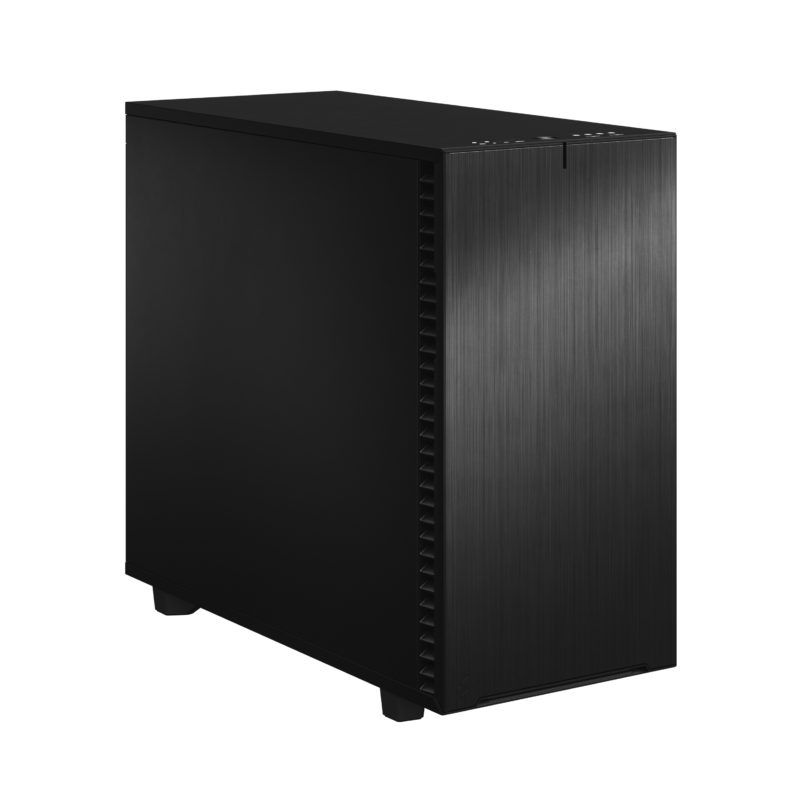
Light Workstation for FL Studio
FL Studio Workstation for small to medium-sized projects.
Heavy FL Studio Workstation
Heavy-duty FL Studio Workstation for multi-track projects. Powerful, fast and very expandable in the future.
Digital Audio Workstation for FL Studio (FruityLoops)
The performance of FL Studio Workstations is determined by the balance of the hardware; in particular, the processor, RAM and storage are essential. Below you can read how Ikbenstil Computers has created the optimised configurations for FL Studio.
Recommended system requirements for FL Studio The performance of a Digital Audio Workstation (DAW) is determined by the balance of the hardware; in particular, the processor (CPU), RAM and storage are essential. The graphics card (GPU) is less important, but not indispensable; it must be quiet and capable of driving at least 2 to 4 monitors.
Ikbenstil Computers has laid the foundations for optimised FL Studio workstations based on feedback from its customers and research.
The hardware: Processor (CPU) For heavy-duty projects involving 35 tracks or more, FL Studio benefits from a processor with many cores; 32 cores are a must, and the AMD Threadripper Pro 7975WX 32-core is the best choice for this. If your projects are somewhat less demanding, the Intel Core Ultra 7 265K or Ultra 9 285K can also be an excellent choice. Something to bear in mind: some plug-ins also require extra CPU processing power.
Memory (RAM) RAM is very important for the performance of FL Studio and is determined by the complexity of your creations. The number of tracks, VSTs and plugins determines the load on the working memory. For moderately demanding projects, we recommend 32GB, and for heavy-duty compositions, 64GB to 256GB. This depends on software usage and the combination of other programmes and VSTs.
The graphics card (GPU) Digital Audio Workstations do not require 3D processing power, but a graphics card capable of driving three or four monitors at a high 4K resolution is a must. It is, of course, important that an Ikbenstil Computer has an onboard GPU that operates quietly under heavy load. At Ikbenstil Computers, we pay close attention to this selection. Our recommendation is to use an Nvidia RTX A400 or Nvidia RTX A1000 GPU.
Storage Fast access to data is essential; current M.2 NVMe SSDs are a must. Our advice is to set up a FL Studio DAW with multiple NVMe SSDs: a primary 1TB SSD for the operating system and programmes, and one or more secondary 1 or 2TB SSDs for projects, music, and various sample and plug-in libraries. For storing large volumes of data, one or more HDDs in the DAW or a NAS (network-attached storage device) can be used.
Audio interface The best audio connection for FL Studio is via a device that supports the ASIO interface; this interface creates a direct connection to your DAW and reduces latency to a minimum. You can find more information on setting up this connection in the FL Studio manual: https://www.image-line.com/fl-studio-learning/fl-studio-online-manual/html/envsettings_audio.htm
Customisation Ikbenstil Computers has created workstations that are tailored to standard workflows and the associated software. If your choice is not listed here, please contact one of our specialists, who can offer you a bespoke solution.