

Adobe Photoshop
Ikbenstil Workstations for Adobe Photoshop, and Adobe's recommended system requirements for Photoshop, with the most recent hardware components.
Adobe Photoshop Workstations
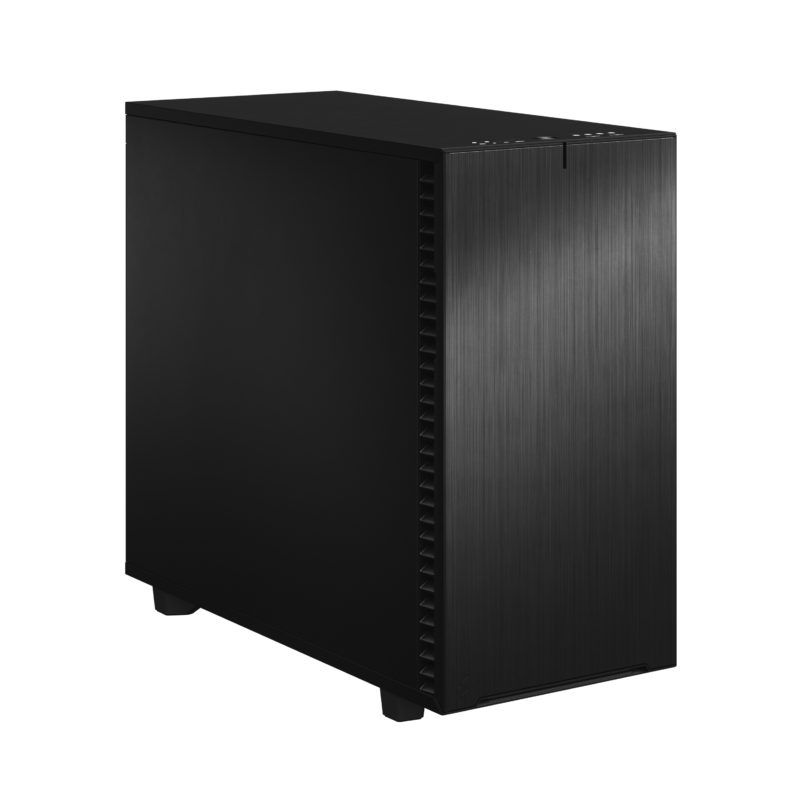
Very good overall performance in Photoshop
Excellent system for single task Photoshop.
Excellent system for multitasking, use of AI features and large files
Powerful Photoshop system for heavy files, multitasking and use of AI.
Hardware recommendations for Adobe Photoshop Workstations
Like most software makers, Adobe also has a list of system requirements for Photoshop, a hardware list that you are advised to meet in order to use the program. This list of recommendations is not a guarantee for an optimally functioning Photoshop workstation, but provides the minimum requirement. The official information provided by software producers is not always up-to-date, and often lags behind hardware development which is progressing at breakneck speed. Therefore, Ikbenstil Computers equips these Photoshop Workstations with the most current and useful and balanced hardware for the program’s operation.
The hardware:
Processor (CPU):
The Ikbenstil Photoshop Workstation is configured with the AMD Ryzen 7 9700X CPU or optionally with the faster AMD Ryzen 9 9950X which currently shows the best performance in Photoshop, even after the arrival of the new Intel Core Ultra processors. In recent years it has alternated between Intel and AMD. At the moment AMD is our choice, but we still have many customers who choose Intel, hence the two different hardware configurations. The number of cores, more than 8 is less relevant in Photoshop, clock speed and architecture are much more important.
The graphics card (GPU):
Photoshop is making increasing use of GPU acceleration, especially with AI functions such as Adobe Sensei and Content Aware Fill. Our tests have shown that the NVIDIA GeForce RTX 5080 16GB is an excellent choice for a Photoshop Pro Workstation, and an RTX 5060 Ti is well equipped for the slightly lighter Photoshop DTP workstation. Tests with the faster RTX 5090 have shown minimal speed gain at an enormous price. We use a standard Nvidia graphics card by default, which offers more computing power and VRAM at lower cost compared to Nvidia’s Professional series. Our experience is that Nvidia cards work more stably with this software than AMD GPUs.
Memory (RAM):
Adobe recommends a minimum of 16GB of RAM, we recommend at least 32GB in the Photoshop DTP Workstation, and 64GB in the Photoshop Pro Workstation. If you work with large files and/or quantities of images to process, then more memory up to 128GB is recommended.
Data Storage:
For the operating system and programs, we choose a fast primary NVMe SSD. For ongoing projects we recommend a secondary NVMe SSD, and Photoshop also works with a scratch disk which becomes the tertiary SSD, giving your processing in Photoshop a boost. Of course, storage for content is also needed, this can be on a regular SATA SSD or optionally large volume HDDs or on a file server or NAS.
Custom build:
Ikbenstil Computers has made workstations that align with standard workflows and the associated software. If your choice is not included here, you can contact one of our specialists, who can offer you a custom solution.