

Redshift
Ikbenstil Workstations for Redshift, and Maxon's recommended system requirements for Redshift, with the most recent hardware components.
Redshift Workstations
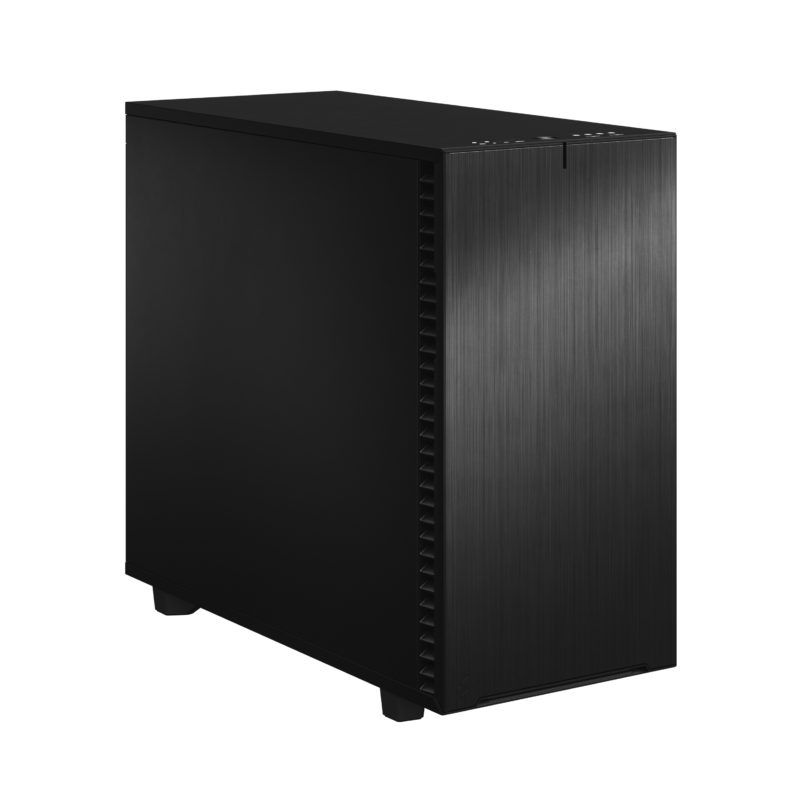
Workstation for Redshift
Redshift is a biased GPU renderer with excellent speed. Out-of-core texturing makes large scenes possible on 32GB VRAM.
Studio configuration for film and broadcast rendering
Maximum VRAM for large production scenes. Multi-GPU expandable. Ideal in combination with Cinema 4D, Maya or Houdini.
Render nodes and Workstations for Redshift
By utilising the parallel computing power of the graphics card, Redshift dramatically accelerates rendering, resulting in faster iteration and lower production costs. The Ikbenstil Redshift workstations are optimised to offer lots of GPU power for your budget. Recommended system requirements for Redshift Like most software makers, Maxon also has an overview of minimum system requirements for Redshift. The official information provided by software producers is not always up-to-date, sometimes even confusing, and in our view the recommended hardware is often the minimum hardware. Ikbenstil Computers equips these Redshift Workstations with the most current and useful and balanced hardware for the program’s operation; this knowledge is based on our own experience, hardware knowledge and input from our customers.
The hardware:
Processor (CPU) Redshift is a GPU rendering program; the chosen processor is less relevant; it must be fast and have two CPU cores per GPU for processing the render data. The primary programs such as Houdini, Blender, Maya, Cinema4D and 3DS Max determine which CPU is best applied.
Depending on the number of GPUs, it is important that the CPU has sufficient PCIe lanes available. A GPU needs 16 PCIe lanes. An example: the Intel Core Ultra 9 285K has 24 lanes, 16 lanes for the graphics card and 8 lanes for two NVME SSDs; the Intel Core processor is only suitable for 1x GPU at full speed. The Ryzen Threadripper 7960X can drive 5x GPU at full speed and the AMD Threadripper PRO 7975WX has 128 PCIe lanes and can thus handle 8x GPU at full speed.
The graphics card (GPU) In Redshift, the graphics card determines the speed, both the model of the card and the video memory are decisive. VRAM is crucial for complex scenes; an RTX 5080 16GB is a good powerful card and even two together work very fast, but as soon as scenes become complex, 16GB per card is too little.
Our advice is to use the RTX 5090 32GB models for complex scenes. If you need more VRAM for the very heaviest applications, the NVidia RTX PRO 6000 96GB Blackwell Max-Q is the choice. The form factor of this Ada card is designed so that four can even be placed tightly side by side.
Memory (RAM) For Redshift Workstations we recommend at least 32GB, and according to the complexity of your workflow, the need for working memory increases, just like with the VRAM of the GPUs. Often the RAM is determined by the programs you work with, such as Houdini, Blender, Maya, Cinema4D and 3DS Max.
Storage Primarily, we recommend fast NVMe SSDs for OctaneRender Workstations. And for data storage regular SATA SSDs and/or for large volumes HDDs, a file server or NAS.
Custom build Ikbenstil Computers has made workstations that align with standard workflows and the associated software. If your choice is not included here, you can contact one of our specialists, who can offer you a custom solution.