

V-Ray
Ikbenstil Workstations for V-Ray, and Chaos's recommended system requirements for V-Ray, with the most recent hardware components.
V-Ray Workstations
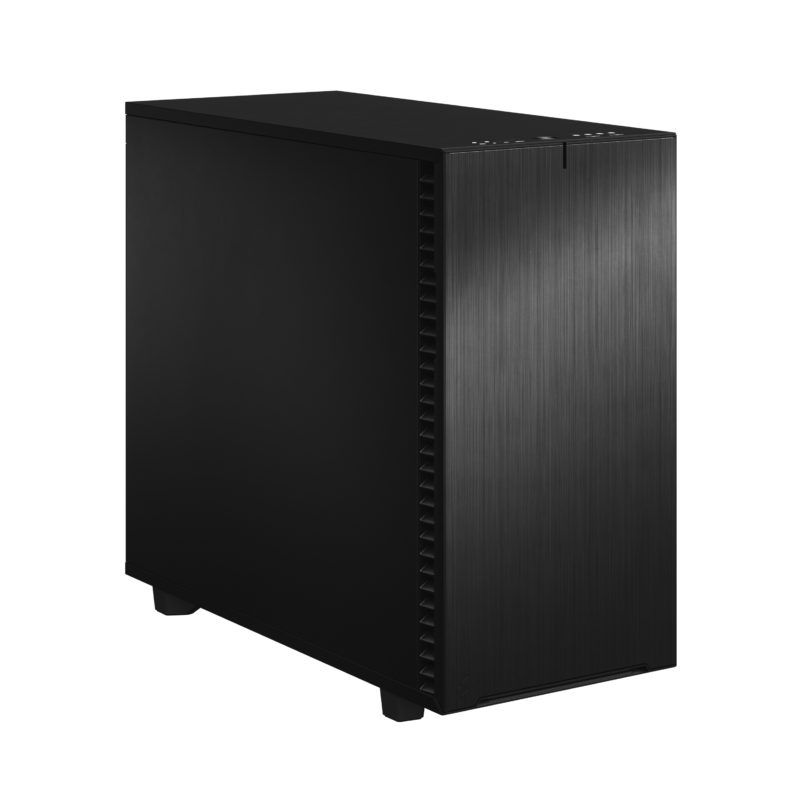
Workstation for V-Ray
V-Ray supports both CPU and GPU rendering. The combination of fast CPU and powerful GPU gives maximum flexibility.
Hardware advice for V-Ray
Chaos, the maker of V-ray software, lives up to its name; they write an enormous amount when it comes to system requirements, and the various applications that V-ray works with, applications such as 3ds Max, Cinema 4D, Houdini, Maya, Nuke, Revit, Rhino, SketchUp, and Unreal, but as a reader it is not clear to you what you can best choose, and in this way they resemble all other software makers who also do not clearly outline it for their customers. Ikbenstil Computers has laid the foundation for the optimised Ikbenstil V-Ray workstations with input from its customers and its own specific hardware research.
The hardware:
Processor (CPU) There are two versions of V-Ray: one version, V-Ray Next CPU, uses only the processor to render and this other version, V-Ray Next GPU is Hybrid and uses both the CPU and the GPU.
The Next CPU version is scalable, and becomes faster as more CPUs, cores and higher clock frequencies are applied. The fastest AMD Threadripper Pro 7995WX 64 core is the best processor for this.
When choosing a CPU for V-Ray Next GPU, the focus is primarily on GPU rendering, then the number of available PCIe lanes is important, but it doesn’t have to be a 64 core processor; the 7975WX 32 core or the 7965WX 24 Core are then excellent candidates.
The graphics card (GPU) When choosing the graphics card, it also applies which version of V-Ray you want to use. For V-Ray Next CPU, an RTX 5090 32GB is a very good choice, and the main program you work with is decisive.
When you work with V-Ray Next GPU, according to software maker Chaos, this is only possible on NVIDIA GPUs. Graphics cards from AMD are no longer supported because AMD stopped investing in OpenCL for rendering.
V-Ray Next GPU scales well with faster GPUs and also with multiple GPUs. VRAM is crucial for complex scenes; an RTX 5080 16GB is a good powerful card and even two together work very fast, but as soon as scenes become complex, 16GB per card is too little. Our advice is to use the RTX 5090 32GB models for complex scenes. If you need more VRAM for the very heaviest applications, the NVidia RTX PRO 6000 96GB Blackwell Max-Q is the choice. The form factor of this Ada card is designed so that four can be placed tightly side by side.
Memory (RAM) For V-Ray Next CPU Workstations we recommend 128GB, and for V-Ray Next GPU we recommend double the amount of the total VRAM of the graphics cards. With 2x RTX 5090, the recommendation is to place 256GB of memory on the mainboard.
Storage Primarily, we recommend fast NVMe SSDs for V-Ray Workstations. And for data storage regular SATA SSDs and/or for large volumes HDDs, a file server or NAS.
Network rendering If you have multiple systems in your network, you can have them work together as a V-Ray render farm. Your render capacity increases enormously in this way. Chaos Group offers render node licences on its website, which are needed for every render node in the network. More information can be found here: www.chaos.com/vray/render-node
Custom build Ikbenstil Computers has made workstations that align with standard workflows and the associated software. If your choice is not included here, you can contact one of our specialists, who can offer you a custom solution.