

DaVinci Resolve
Ikbenstil Workstations for DaVinci Resolve and the recommended system requirements for DaVinci Resolve, with the most recent hardware components.
DaVinci Resolve Workstations
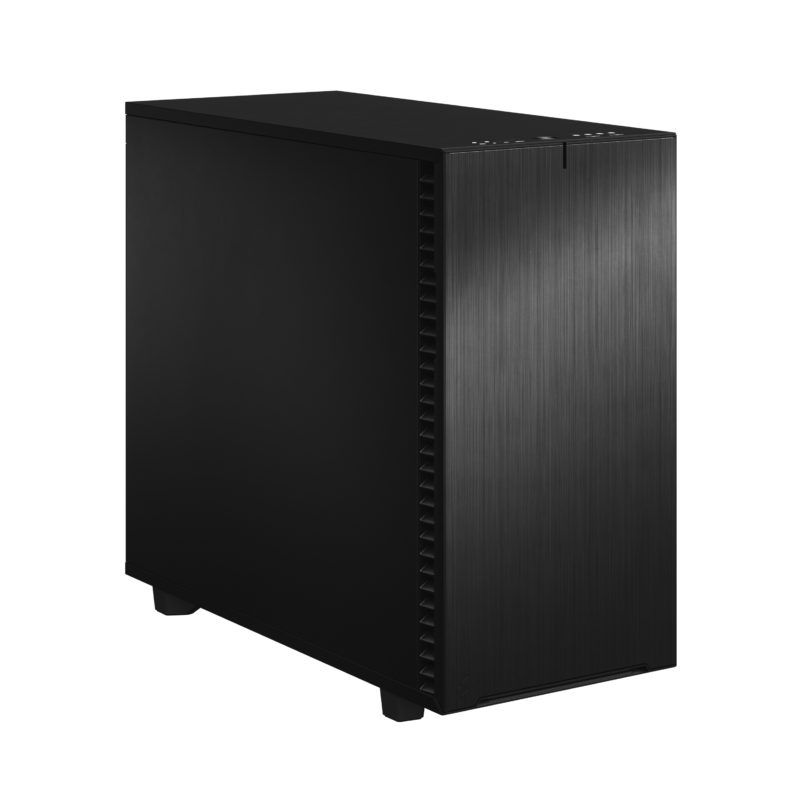
Excellent for compressed files such as H.265 and H.264. Quick sync support
Very good Workstation for DaVinci, especially when compressed files are used. DaVinci offers increasingly better support for VGA cards and uses that excellently in this computer.
Studio configuration for Fusion and Neural Engine
DaVinci Resolve Workstation for RAW files and optimal GPU use. The system can be expanded with a second GPU (in combination with Resolve Studio).
DaVinci Resolve hardware requirements:
Recommended system requirements for DaVinci Resolve Unlike many other software makers, Blackmagic has a good guide for hardware selection and software configuration, much better than the standard recommendations. But here too there are points that in our opinion could be better or lag behind the current state of technology. Moreover, information is missing about the different hardware options, and what the advantages are between the different models or the number of graphics cards.
Processor (CPU): DaVinci Resolve leans heavily on the graphics card, especially when using OpenFX and noise reduction, but the processor is also a very important element in your system. In the past, Dual Xeon CPU configurations were regularly used for DaVinci Resolve, but this is no longer necessary since current processors can achieve this speed at lower cost. What the best processor is for DaVinci Resolve strongly depends on what you will do with it and of course what your budget is. When you work with the H.264 and H.265 (HEVC) video formats, Intel’s Core Ultra 9 285K is an excellent choice, thanks to Intel’s built-in fast Quick Sync conversion functionality. If you work with two or three GPUs and/or with RAW video codecs, you have a noticeable speed gain with more CPU cores; then AMD’s Threadripper Pro 7970X is the first choice and for even heavier work the 7995WX is the better CPU.
The graphics card (GPU): As described above, DaVinci Resolve makes heavy use of the graphics card for playback and rendering power. The right choice of graphics card determines whether your system performs well. The free version of Resolve can only handle one GPU; the Studio edition supports up to a maximum of eight GPUs, although tests show that with three to four cards you achieve the maximum attainable speed. The best card at the moment is the Nvidia GeForce RTX5090 32GB for the high-end DaVinci Resolve Workstation. The more affordably priced RTX 5080 16GB is also an excellent choice, slightly (about 10%) less fast than the fast sibling.
10-bit display support: The only way to get 10-bit display support is by using a video monitoring card. We recommend the Blackmagic Decklink Mini Monitor 4K and the Studio 4K 6G-SDI PCIe card for this. These cards are specially designed to deliver unchanged video signals to your monitor, resulting in the best possible video and colour quality. You will then need a very accurate screen that can handle the FPS and resolution.
Memory (RAM) For DaVinci Resolve Workstations we recommend at least 32GB if you work with 4K files, and 64GB or more for 6k or 8k files. It is also important to include the other programs you use alongside DaVinci Resolve in your total calculation.
Storage Storage is an aspect that is often overlooked in video editing. The CPU or graphics card may do all the processing, but if your storage can’t keep up, it doesn’t matter how fast those components are. What makes storage complicated is the fact that you’re not only dealing with the different types of disks available today, but you also want to configure them to deliver maximum performance in DaVinci Resolve. We recommend a configuration with at least three NVMe SSDs: for the operating system and programs, a fast primary NVMe SSD. And for ongoing projects a secondary NVMe SSD, and DaVinci Resolve also works with a media cache and scratch disk, this then becomes the tertiary NVMe SSD, giving your processing in DaVinci Resolve a boost. Of course, storage for content is also needed, this can be on a regular SATA SSD or optionally large volume HDDs, file server or NAS.
Audio Modern mainboards have good audio functionalities, but because the audio chip is on the mainboard, it can be disrupted by other processes, resulting in audible unwanted effects. Our advice is to use an external DAC; this gives an enormous improvement, for example the M-Audio Super DAC.
Custom build Ikbenstil Computers has made workstations that align with standard workflows and the associated software. If your choice is not included here, you can contact one of our specialists, who can offer you a custom solution.
Hardware requirements DaVinci Resolve according to Blackmagic (PDF)