

Foundry Nuke
Ikbenstil Workstations for Foundry Nuke and Foundry's recommended system requirements for Nuke, with the most recent hardware components.
Foundry Nuke Workstations
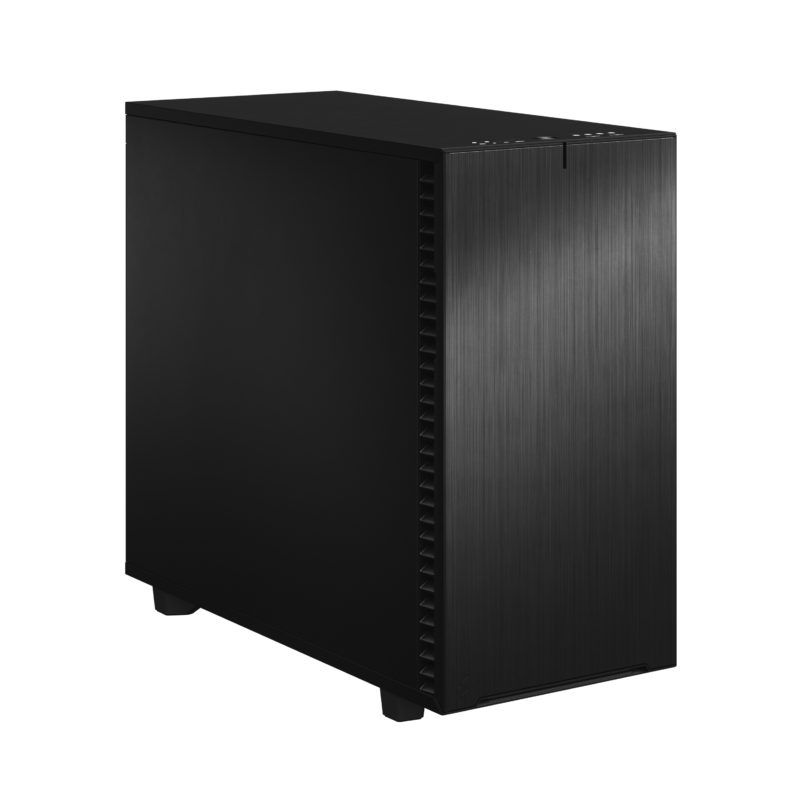
Excellent performance for Foundry Nuke
Very high single core performance combined with 128GB RAM.
High-end configuration for NukeX and 3D compositing
Heavy multi-threaded rendering and deep compositing. Lots of RAM for large plate sequences. 10GBe LAN for pipeline integration.
Recommended system requirements for Foundry Nuke
Like most software makers, Foundry also has a list of system requirements for Nuke, a hardware list that you are advised to meet in order to use the program. This list of recommendations is not a guarantee for an optimally functioning Foundry Nuke workstation, but provides the minimum requirement. The official information provided by software producers is not always up-to-date, and often lags behind hardware development which is progressing at breakneck speed.
Therefore, Ikbenstil Computers equips these Foundry Nuke Workstations with the most current and useful and balanced hardware for the program’s operation.
The hardware:
Processor (CPU):
Most tasks in Foundry Nuke are single threaded, so it is important to choose a processor with the highest clock frequency such as the Intel Core Ultra 7 265K and Core Ultra 9 285K. Due to the large number of plugins available for Foundry Nuke, this can change quickly. If you work with particle effects, you can benefit from multiple CPU cores. Some tasks require a lot of working memory, often more than 128GB, which is the maximum amount for normal Intel Core processors. AMD Threadripper PRO CPUs support much more RAM and cores, making this a good solution for large projects and multithreaded plugins and effects. Due to this distribution we offer two options: a standard workstation for people with small to medium processes and a high-end workstation for users with large projects, multithreaded plugins and effects who benefit from lots of working memory.
The graphics card (GPU) Foundry Nuke is very similar to Cinema 4D in the sense that the viewport is completely driven by the GPU. Various Nvidia GeForce cards such as the RTX 5070 and RTX 5080 are excellent budget choices, but the RTX 5090 32GB can also be a good choice for complex projects that require a lot of VRAM. The more polygons and the more complex the animations, the more demands are placed on video memory. Foundry Nuke appears to be working with AMD in the area of graphics cards; like NVidia, these are also recommended by Foundry, but we especially recommend Nvidia GPUs.
Memory (RAM) Foundry Nuke recommends a minimum of 8GB of RAM; in our Foundry Nuke we recommend at least 128GB. If you work with large projects and multithreaded plugins and effects, then 256GB or 512GB on the AMD Threadripper platform is the better choice.
Storage Storage is an aspect that is often overlooked in video editing. The CPU or graphics card may do all the processing, but if your storage can’t keep up, it doesn’t matter how fast those components are. What makes storage complicated is the fact that you’re not only dealing with the different types of disks available today, but you also want to configure them to deliver maximum performance in Foundry Nuke. We recommend a configuration with two NVMe SSDs: for the operating system and programs, a fast primary NVMe SSD. And for ongoing projects and media cache, large 1 or 2TB fast NVMe SSD. Of course, storage for content is also needed, this can be on a regular SATA SSD or optionally large volume HDDs, file server or NAS.
Custom build Ikbenstil Computers has made workstations that align with standard workflows and the associated software. If your choice is not included here, you can contact one of our specialists, who can offer you a custom solution.