

AutoCAD
Ikbenstil Workstations for AutoCAD and Autodesk's recommended system requirements for AutoCAD, with the most recent hardware components.
AutoCAD Workstations
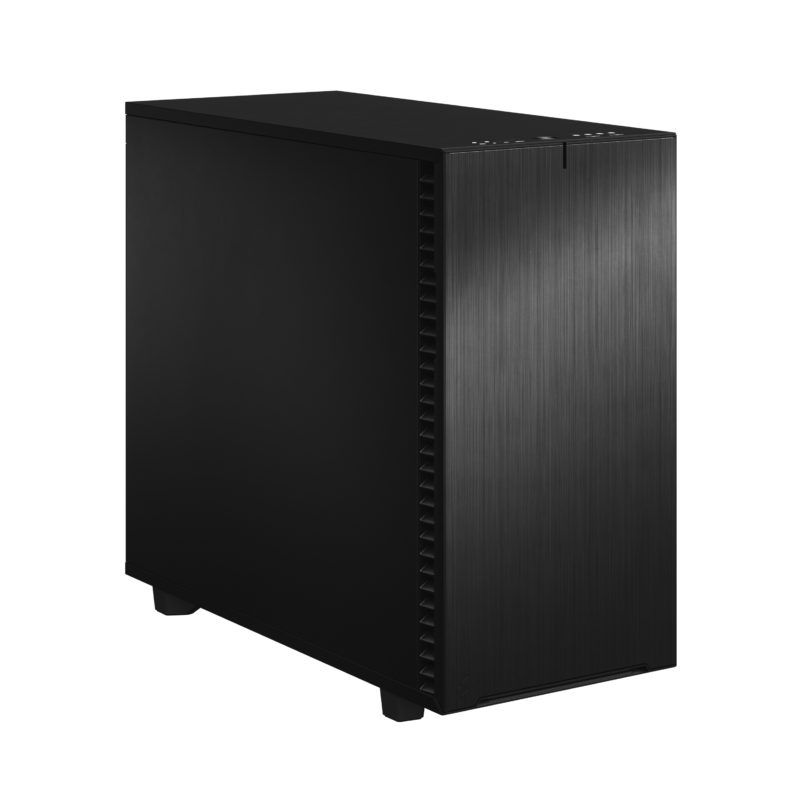
AutoCAD Workstation for design
AutoCAD is heavily single-threaded. High clock speed is most important. Certified GPU for stable viewport performance.
Recommended system requirements for Autodesk AutoCAD Workstations
Like most software makers, Autodesk also has a list of system requirements for AutoCAD, a hardware list that you are advised to meet in order to use the program. This list of recommendations is not a guarantee for an optimally functioning CAD workstation, but provides the minimum requirement. The official information provided by software producers is not always up-to-date, and often lags behind hardware development which is progressing at breakneck speed. Therefore, Ikbenstil Computers equips the CAD Workstation with the most current and useful and balanced hardware for the program’s operation.
Like most software makers, Autodesk also has a list of system requirements for AutoCAD, a hardware list that you are advised to meet in order to use the program. This list of recommendations is not a guarantee for an optimally functioning CAD workstation, but provides the minimum requirement. The official information provided by software producers is not always up-to-date, and often lags behind hardware development which is progressing at breakneck speed. Therefore, Ikbenstil Computers equips the CAD Workstation with the most current and useful and balanced hardware for the program’s operation.
The hardware:
Processor (CPU): The important tasks of Autodesk AutoCAD are single threaded, using one processor core. The highest frequency is therefore certainly important. The Intel Core Ultra 7 265K or Ultra 9 285K are the designated candidates for this. If you use a rendering program, we advise you to also look at this: Workstations for Rendering
The graphics card (GPU) We advise using Nvidia Professional Graphics as these are supported by Autodesk. Regular GeForce cards are often cheaper but offer no support. The NVidia RTX PRO 2000 Blackwell is a powerful solution and the ideal card for most applications. A faster card such as the RTX 4000 Ada will hardly offer you any extras when working with AutoCAD.
Memory (RAM) Autodesk AutoCAD recommends 8GB of working memory; that is for minimal operation. Given minimal costs and the needs of the operating system and associated file libraries, 64GB is certainly recommended.
Storage For the operating system and programs, we recommend a fast primary NVMe SSD with a minimum size of 500GB. And for ongoing project data and content, a secondary SATA SSD or NVMe SSD. If you need a lot of storage capacity, there are of course also large hard disks, or possibly a file server or NAS.
Custom build Ikbenstil Computers has made workstations that align with standard workflows and the associated software. If your choice is not included here, you can contact one of our specialists, who can offer you a custom solution.