

ArcGIS Pro
Ikbenstil Workstations for ArcGIS Pro and Esri's recommended system requirements for ArcGIS Pro, with the most recent hardware components.
ArcGIS Pro Workstations
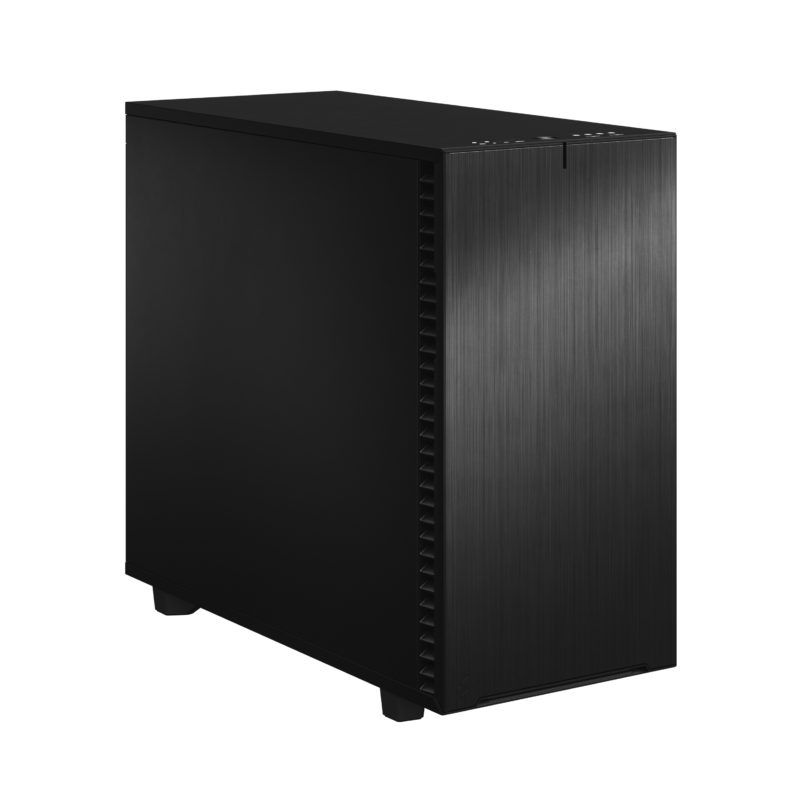
Workstation for ArcGIS Pro
ArcGIS Pro visualisation Workstation
ArcGIS Pro Workstation
Through our years of hardware experience, information from our customers, and our own research, we have a solid idea of the ideal ArcGIS Pro Workstation. Recommended system requirements for Esri ArcGIS Pro Like most software makers, Esri also has a topic on its site with system requirements for ArcGIS Pro where you are advised in terms of hardware to meet in order to use the program. This list of recommendations is not a guarantee for an optimally functioning ArcGIS Pro workstation, but provides the minimum requirement. The official information provided by software producers is not always up-to-date, and often lags behind hardware development which is progressing at breakneck speed. Therefore, Ikbenstil Computers equips the ArcGIS Pro Workstation with the most current and useful and balanced hardware for the program’s operation.
The hardware:
Processor (CPU): Esri ArcGIS Pro is multi-threaded software; the recommendation is a minimum of 2 cores, but 4 to 10 cores is recommended. A high clock frequency is certainly important. The Intel Core Ultra 9 285K is the designated candidate for this.
The graphics card (GPU) The standard functions in ArcGIS Pro do not demand much from the graphics card, which means an Nvidia RTX 5060 Ti could suffice, but with the advent of deep learning models and some other features such as Aspect, Feature and Raster Solar Radiation and Geodesic Viewshed, the GPU becomes very important, which is why we recommend the NVidia RTX 5080 16GB. If you use ArcGIS Pro in combination with other software where an Nvidia Professional Graphics series is recommended, the NVidia RTX PRO 5000 48GB is an excellent option. If you have other wishes, you can contact one of our specialists, who can offer you a custom solution.
Memory (RAM) ArcGIS Pro makes intensive use of working memory, which is why we recommend at least 64GB; that is specifically for ArcGIS Pro. If you also use other heavy applications, our recommendation is to double this to 128GB.
Storage For the operating system and programs, we recommend a fast primary NVMe SSD. And for ongoing project data and content, a secondary SATA SSD or NVMe SSD. If you need a lot of storage capacity, there are of course also large hard disks, or possibly a file server or NAS.
Custom build Ikbenstil Computers has made workstations that align with standard workflows and the associated software. If your choice is not included here, you can contact one of our specialists, who can offer you a custom solution.