

Pix4D
Ikbenstil Workstations for Pix4D and the recommended system requirements, with the most recent hardware components.
Pix4D Workstations
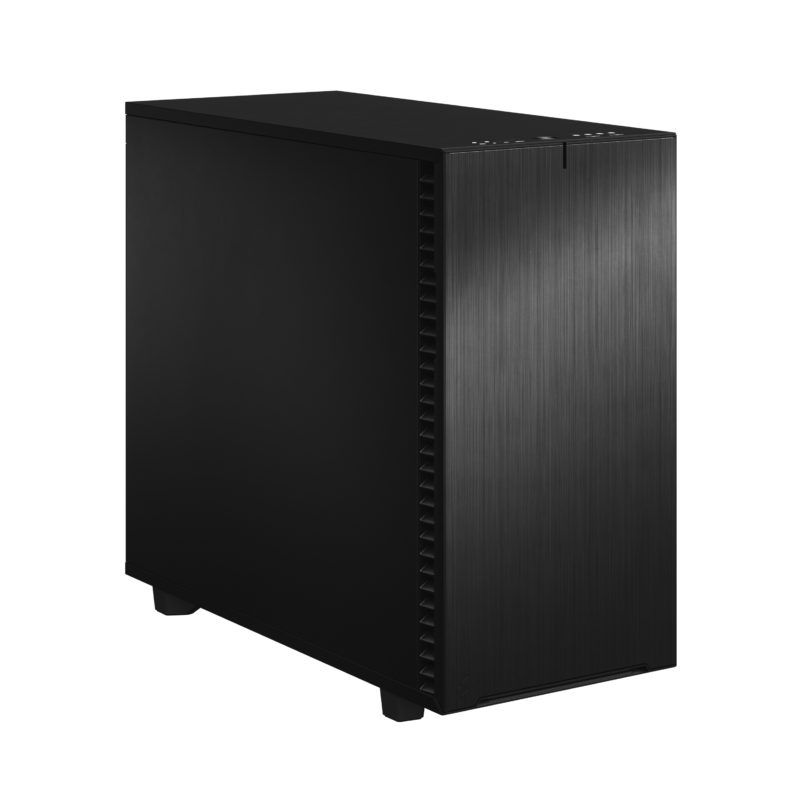
Workstation Pix4D
Very high clock speed for 3D models and smaller maps
Professional Pix4D Workstation
Multithread Workstation, very well expandable. Better performance for larger graphics cards.
Pix4D Workstation
With our solid hardware knowledge, our customers and the advice from Pix4D, we have compiled two Pix4D Workstations for you. Recommended system requirements for Pix4D Pix4D is limited in its hardware recommendations, but does provide good tips to determine what kind of user you are; standard is a project up to 500 photos and high-end is a project up to 2000, 14 Megapixel photos. Therefore, Ikbenstil Computers has conducted research and we offer two different Workstations, equipped with the most current and useful and balanced hardware for the operation of Pix4D, arriving at these ideal solutions.
The hardware:
Processor (CPU): With the Ikbenstil Pix4D Workstations, we distinguish between the standard and high-end version. The Pix4D Standard Workstation (project up to 500 photos) is based on the Intel Core Ultra 9 285K processor; there are many different processes in this photogrammetry software, one process is single threaded and another is multi-threaded, which makes this Core Ultra 9 the best choice, very fast and many processor cores. The Pix4D High-end Workstation (project up to 2000 photos) is based on the 32 core 7970X AMD Threadripper. This platform supports more than 128GB memory and has more PCIe lanes, which can be useful if you also use other powerful applications on this workstation in combination with Pix4D.
The graphics card (GPU): Pix4D primarily uses the CPU; there are a number of processes in Pix4D that are accelerated by a graphics card that supports Cuda, which is only possible with an Nvidia card. Multiple GPUs are not supported by Pix4D. For the Pix4D Workstation we recommend the NVidia RTX 5060 Ti 8GB and for heavy tasks the NVidia RTX 5080 16GB applied in the Professional Workstation. Tip: to keep the GPU working stably with Pix4D, it is recommended to only use Nvidia’s Studio Driver. The use of the Game Ready Driver is strongly discouraged.
Memory (RAM) We distinguish between the Pix4D Standard Workstation where we recommend 32GB memory and the Pix4D Professional Workstation where we recommend 256GB. If you want a system with a different memory configuration, you can contact one of our specialists, who can offer you a custom solution.
Storage For the operating system and programs, we choose a fast primary NVMe SSD. And for ongoing projects a secondary SSD. Of course, storage for content is also needed, this can be on an SSD or optionally large volume HDDs, file server or a NAS.
Custom build Ikbenstil Computers has made workstations that align with standard workflows and the associated software. If your choice is not included here, you can contact one of our specialists, who can offer you a custom solution.