

Lumion
Ikbenstil Workstations for Lumion and the recommended system requirements, with the most recent hardware components.
Lumion Workstations
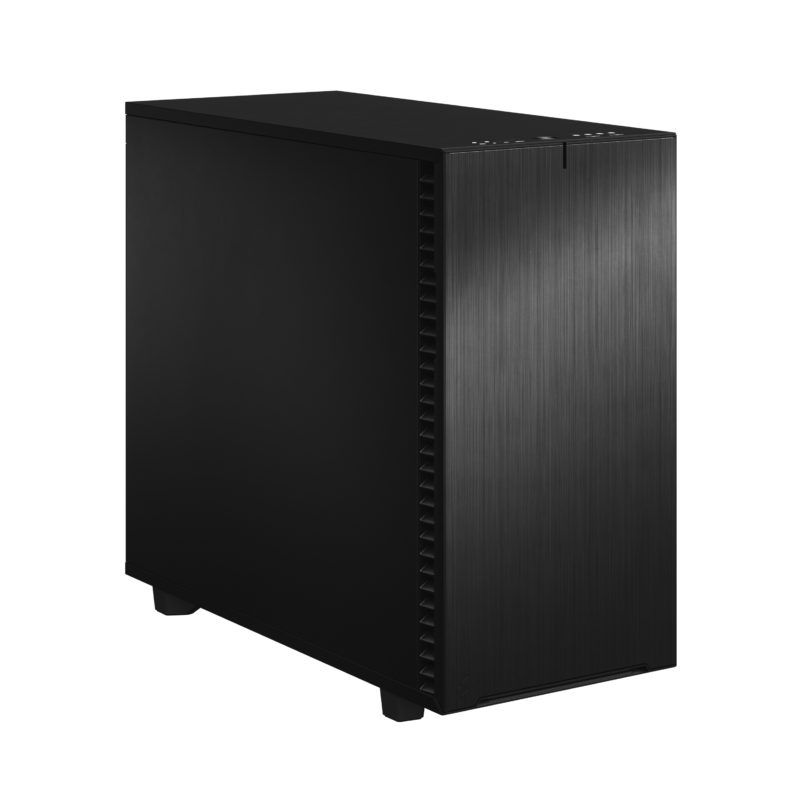
Workstation for Lumion
Workstation for visualisation for both Lumion and other programs.
Lumion Workstation
Through our years of hardware experience, our customers and the advice from the Dutch software maker Lumion, we have a solid idea of the ideal Lumion Workstation. Recommended system requirements for Lumion The basis of Lumion is a real-time 3D render engine for (game) simulation, which has been developed into a high-quality photorealistic visualisation tool for architects. Because this software is basically very similar to a 3D game engine, the emphasis is primarily on the graphics card for rendering images, videos and 360 panoramas. Lumion provides reasonably well-founded hardware recommendations, with a division into 3 steps: minimum, recommended and high-end. To complete the total picture, we believe more is needed. Therefore, Ikbenstil Computers equips this Lumion Workstation with the most current and useful and balanced hardware for the program’s operation.
The hardware:
Processor (CPU): The Ikbenstil Lumion Workstation is based on an Intel Core Ultra 7 265K processor; for Lumion, speed and the number of cores are less relevant, but for multitasking with the other programs you work with, this is certainly important. Then a high clock frequency and a large number of processor cores apply; optionally, an Intel Core Ultra 9 285K is worth considering.
The graphics card (GPU) The graphics card is very important for Lumion; cards with 16 or 32GB VRAM are optimal for most users, such as the Nvidia GeForce RTX 5080 16GB or the RTX 5090 32GB.
Memory (RAM) Lumion makes intensive use of working memory, which is why we recommend at least 64GB; that is specifically for Lumion. If you also use other heavy applications, our recommendation is to apply at least 128GB.
Storage For the operating system and programs, we choose a fast primary NVMe SSD. And for ongoing projects a secondary SSD. Of course, storage for content is also needed, this can be on an SSD or optionally large volume HDDs, file server or a NAS.
Custom build Ikbenstil Computers has made workstations that align with standard workflows and the associated software. If your choice is not included here, you can contact one of our specialists, who can offer you a custom solution.